
This article contains affiliate links. AutomateWithMNK may earn a commission if you sign up through certain links, at no additional cost to you. This does not influence our editorial assessment.
EngageBay costs between $0 and $119.99 per user per month. Its All-in-One suite comes in four plans: Free, Basic ($14.99), Growth ($64.99) and Pro ($119.99) on month-to-month billing. Paying yearly takes 8% off; committing to two years takes 15% off.
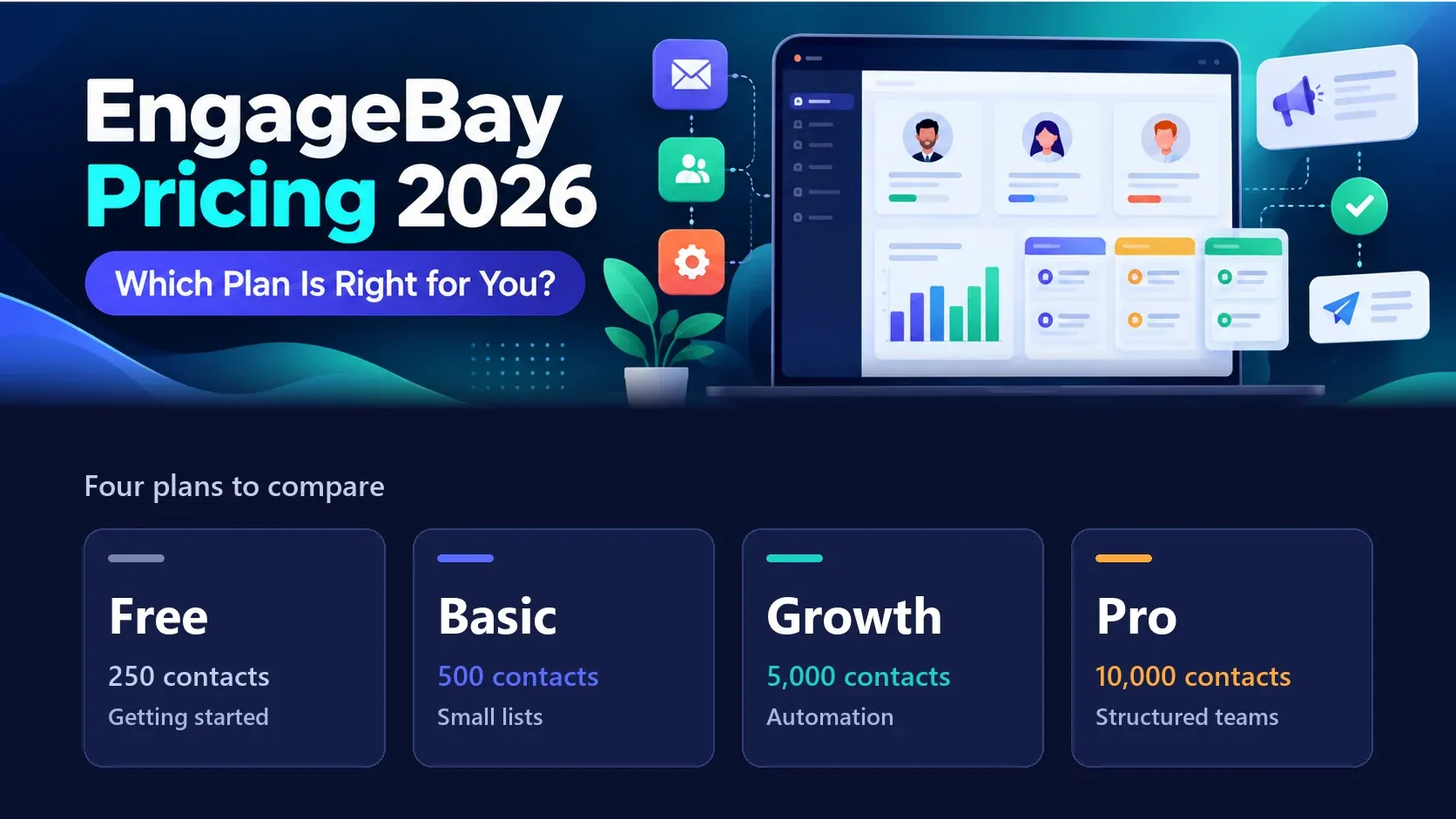
The short version of which one to pick: Free gets you started, Basic buys more room for a small list, Growth is where automation begins, and Pro is for teams that need roles and custom reporting. The big price step sits between Basic and Growth, so that is the decision worth your time.
How this guide was put together: every price, limit and billing rule below comes from EngageBay’s official pricing pages and terms of service, read on . Prices are in US dollars and exclude tax. This is a pricing guide, not a product test: nobody here used the software for this article. Prices change, so confirm them before you commit.
EngageBay pricing at a glance
All four All-in-One plans bundle marketing, sales CRM and customer support. You pay per user per month; what changes from tier to tier is which features unlock and how many contacts and emails you are allowed.
| Plan | Month-to-month | Billed yearly (8% off) | Billed every two years (15% off) | Contacts | Branded emails |
|---|---|---|---|---|---|
| Free | $0 | $0 | $0 | 250 | 1,000 |
| Basic | $14.99 | $13.79 | $12.74 | 500 | 3,000 |
| Growth | $64.99 | $59.79 | $55.24 | 5,000 | 25,000 |
| Pro | $119.99 | $110.39 | $101.99 | 10,000 | 50,000 |
Two things to keep in mind when reading this table. The yearly and two-year columns show a monthly equivalent: the whole term is charged up front. And the pricing page uses the phrase “Branded Emails” without defining it or stating the period the allowance covers. If email volume drives your choice, ask EngageBay to spell that out first.
View Current EngageBay Pricing
Monthly, yearly or two-year billing: what actually changes
The “from $12.74” figure you will see quoted all over the web is the Basic plan on a two-year term. It is not the number on your card statement if you want to stay flexible. Each billing option suits a different situation:
- Month-to-month. The highest unit price, with no commitment. According to the terms of service you cancel from inside your account, and the software keeps working until the end of the month you paid for. Choose this while you are still deciding whether the tool is a keeper.
- Yearly. 8% cheaper. For one user that means $13.79 × 12, or $165.48 charged at once on Basic, $717.48 on Growth and $1,324.68 on Pro.
- Two years. 15% cheaper in exchange for a long commitment. The saving is real, but you are betting that the product, its price and your own needs will still line up twenty-four months from now.
The terms of service set out the refund rules for annual plans: a full refund of unused months if you ask within three days of payment; a 50% refund plus account credit if you cancel within one month of the initial purchase; and no refund once the plan has been active for more than two months. Those rules do not cover special pricing or discounts. Read them again at checkout, because they are what binds you, not this summary.
What do you get on the EngageBay Free plan?
The Free plan is not a time-limited trial. EngageBay advertises it as free for teams of up to 15 members, with no credit card needed to sign up. It covers the CRM (contacts, companies, deals, tasks, appointment scheduling), email tracking, email marketing, live chat and a helpdesk.
Its ceilings, all taken from the official comparison grid:
- 250 contacts and 1,000 branded emails;
- 2 lists, 2 email sequences and 1 landing page;
- 10 forms and 10 pop-ups;
- 5 custom fields and a limited reporting dashboard;
- no file storage and no marketing automation.
Who it suits: a freelancer or a very small team that wants one place for contacts, a handful of deals and the occasional newsletter. With 15 seats allowed, it is also a fair way to evaluate the product as a team before spending anything.
When to upgrade: as soon as your list gets close to 250 contacts. You will hit that wall long before you run out of seats.
EngageBay Basic plan: more room for a small list
At $14.99 per user per month, Basic doubles the list to 500 contacts and triples the email allowance to 3,000. What it mostly adds is headroom: 10 lists, 10 landing pages, 100 email sequences, 1 GB of file storage, SMS marketing and custom deal milestones in the pipeline.
What works. The bill stays small even with three or four users, and email sequences already handle the everyday jobs: a welcome series, a follow-up after a quote, a short nurture campaign.
What is missing. Basic has no marketing automation, no A/B testing, no push notifications, no proposals and no multi-currency. And 500 contacts is a low ceiling: an online store or any business collecting leads every week will outgrow it within months.
Best for: consultants, local service businesses and small sales teams working a short, high-value list, whose marketing is mostly regular sends.
EngageBay Growth plan: where automation starts
Growth is $64.99 per user per month, which is $50 more than Basic. There is a reason for the gap: this is the tier where marketing automation and workflows appear, across marketing, sales and support.
What Growth adds, according to the official grid:
- 5,000 contacts and 25,000 branded emails;
- marketing automation, capped at 10 workflows of 15 nodes each;
- A/B testing for broadcasts and landing pages, custom domains for landing pages, and time-zone-based delivery;
- site messages and push notifications (10 of each);
- on the sales side: custom deal tracks, proposals, multi-currency, a leaderboard and call reports;
- 50 landing pages, 500 sequences and 5 GB of storage;
- free onboarding sessions.
Typical use. A business that wants a lead to receive a series of messages based on what they do, a won deal to create a task, or a support ticket to be routed with nobody touching it.
The detail to check. Ten workflows are enough for an onboarding funnel, a few follow-ups and a win-back campaign. If you picture one workflow per product or per segment, count them before you subscribe: the next ceiling, 100 workflows of 50 nodes, only exists on Pro.
EngageBay Pro plan: for teams that need structure
At $119.99 per user per month, Pro raises the limits to 10,000 contacts, 50,000 emails and 100 workflows. What really separates it from Growth, though, is management rather than marketing:
- role management, teams and team hierarchy;
- custom reporting, goals and web analytics;
- proposal analytics, call scripts and call recordings;
- account-based marketing;
- phone support and an uptime SLA.
Who it is for: a team of ten or more where not everyone should see everything and a manager needs tailored dashboards.
When Pro is overkill: if there are fewer than five of you, nobody is asking for separate permission levels and 10 workflows cover your needs, you would be paying $55 more per user per month for controls you would never open.
Above 10,000 contacts there is no published price: the page asks you to schedule a call with the sales team.
How much does EngageBay really cost?
The sticker price is per user, so your actual bill depends on four things.
1. Number of users
This is the main multiplier. The table below simply applies list prices to a headcount, assuming everyone is on the same plan.
| Team | Per month, month-to-month | Per month, billed yearly | Charged for 12 months |
|---|---|---|---|
| 3 users on Basic | $44.97 | $41.37 | $496.44 |
| 5 users on Growth | $324.95 | $298.95 | $3,587.40 |
| 10 users on Growth | $649.90 | $597.90 | $7,174.80 |
| 5 users on Pro | $599.95 | $551.95 | $6,623.40 |
Put differently, moving five people from Basic to Growth adds $250 a month. So the useful question is not “is Growth worth $64.99?” but “will automation save us more than $250 of time or bring in that much extra revenue every month?”
2. Number of contacts
Each plan has a cap: 250, 500, 5,000, then 10,000. There is nothing in between 500 and 5,000, so a list of 800 contacts puts you on Growth. We read these caps as applying to the whole account; the page does not say so in as many words, so ask if the answer would change your choice. The terms of service also state that your plan and fees are adjusted automatically based on the data thresholds in the pricing. Keep an eye on your contact count and clean your list before you reach a ceiling.
3. The features you cannot do without
A single missing feature can push the whole team up a tier: automation means Growth, role management means Pro. Write down your non-negotiables before comparing prices.
4. What the list price leaves out
- Tax. The terms state that charges exclude applicable taxes, which depend on your billing address.
- Currency. Prices and payments are in US dollars. If you are billed from the UK, Canada, Australia or the EU, your bank’s exchange rate and fees apply.
- Calls and SMS. The grid mentions calling “credits” and SMS marketing without showing a per-unit cost. Ask for it if you plan to use either regularly.
- Price changes. EngageBay reserves the right to change prices with 30 days’ notice.
What if you do not need the whole suite?
EngageBay also sells its products separately. Marketing Bay and CRM & Sales Bay are each listed at $12.99, $49.99 and $79.99 per user per month on monthly billing, or from $11.04 on a two-year term. Service Bay is free. This is a common source of confusion: a “Growth plan at $49.99” quoted on a review site refers to a single product, or to an older price list, not to the full suite.
EngageBay’s own site is not perfectly consistent either: the title of its pricing page still mentions a top price of $99 a month while Pro is listed at $119.99 on that same page. When in doubt, the figure that counts is the one on the checkout screen.
Which EngageBay plan is the best value for your business?
Treat these as conditional recommendations. Your contact count and your need for automation matter far more than your company size.
Solo entrepreneur
Start on Free. Under 250 contacts, paying buys you almost nothing. Move to Basic when your list grows or two email sequences stop being enough.
Startup
Use Free to try the product as a team, then go to Growth once lead generation is steady. Basic may only last you a few weeks: a 500-contact cap disappears fast when sign-ups are coming in.
Small business
Basic if you live off a stable client base and regular sends. Growth if you want follow-ups, ticket assignment and after-sales check-ins to run without manual work.
Growing mid-sized company
Growth in most cases. Look at Pro when you are approaching 5,000 contacts, when ten workflows are no longer enough, or when access has to be restricted by role.
Sales team
Growth brings custom deal tracks, proposals and multi-currency. Pro earns its price when a sales manager wants goals, custom reports, call scripts and call recordings.
Marketing agency
Growth at minimum, for A/B testing, landing pages on a custom domain and automation. One caveat before you commit: the pricing page describes no multi-client or agency plan. If you manage lists for several clients, ask EngageBay how they would be kept apart and which contact cap would apply.
EngageBay pricing: pros and cons
What the pricing gets right
- A free plan open to 15 users, no credit card required.
- Marketing, sales and support in one price, with no hubs to add up.
- Limits published line by line, which makes planning possible.
- A migration service EngageBay describes as free.
Where it falls short
- Low contact caps on Free and Basic, and no tier between 500 and 5,000.
- A steep step from Basic to Growth, even though automation only starts at Growth.
- Automation that is itself capped at 10 workflows on Growth.
- A restrictive refund policy on annual plans, and prices that exclude tax.
- Details that do not always match from one page of the vendor’s site to another.
For a look at the features themselves rather than the price list, read our full EngageBay review.
Is EngageBay worth it?
Yes, in three situations. You are starting out and want a CRM, an email tool and a helpdesk at no cost. You run a small team and would rather pay for one subscription than three separate tools. You need marketing automation and your list fits within 5,000 contacts.
Less so in three others. You have a large list but a tiny team: a tool priced by contacts rather than by seats may come out cheaper. You have many users who would only touch a fraction of the suite: a standalone sales CRM will cost less. You rely on a very large integration marketplace or on advanced reporting: compare with broader platforms, and expect a bigger budget.
EngageBay pricing FAQ
Is EngageBay free?
Yes. There is a free plan with no time limit, advertised for up to 15 users and with no credit card required. It is capped at 250 contacts and does not include marketing automation.
How much does EngageBay cost per month?
On month-to-month billing: $14.99 for Basic, $64.99 for Growth and $119.99 for Pro, per user, in US dollars before tax.
What is the difference between Basic and Growth?
Growth adds marketing automation and workflows, A/B testing, proposals, multi-currency and onboarding sessions, and raises the list from 500 to 5,000 contacts. It costs $50 more per user per month.
Can I upgrade or downgrade my plan?
Yes. Under the terms of service, the new rate is charged from your next billing cycle. EngageBay warns that downgrading may cost you access to some content or features, so export what matters first.
Does EngageBay offer refunds?
For annual plans, the terms provide a full refund within three days of payment, a partial one within the first month and none after two months. A monthly plan is cancelled from your account and stays active until the end of the paid period.
Is there a free trial of the paid plans?
The pricing page does not advertise one; it points to the Free plan instead. The terms of service do mention free trials and say a card may be requested for them, so check what is offered when you sign up.
Is EngageBay a good fit for small businesses and beginners?
Its pricing is built for small organisations: a free entry point, affordable first tiers and one bundle. Ease of use is something we cannot judge without having used it, which is exactly what the Free plan is for.
The bottom line: which plan to choose
Under 250 contacts, stay on Free. Between 250 and 500 contacts with no need for automation, Basic is the sensible pick. Once you need automated journeys or a larger list, Growth becomes the default, provided ten workflows are enough. Pro only makes sense for a team that needs roles, custom reporting and high limits.
Before you pay, check three things: your real contact count, how many people genuinely need a seat, and the total on the checkout screen once tax is added.
See EngageBay’s Official Plans
Sources
Official pages read on October 9, 2026: