
This article contains affiliate links. AutomateWithMNK may earn a commission if you sign up through certain links, at no additional cost to you. This does not influence our editorial assessment.
Most small businesses don’t choose a messy software stack. It just happens. You start with a CRM to track deals. Then you add an email tool for campaigns, an automation tool for follow-ups, a chat widget for the website and a helpdesk for support requests. Each one does its job. But no one sees the whole customer, and the monthly bill keeps creeping up.
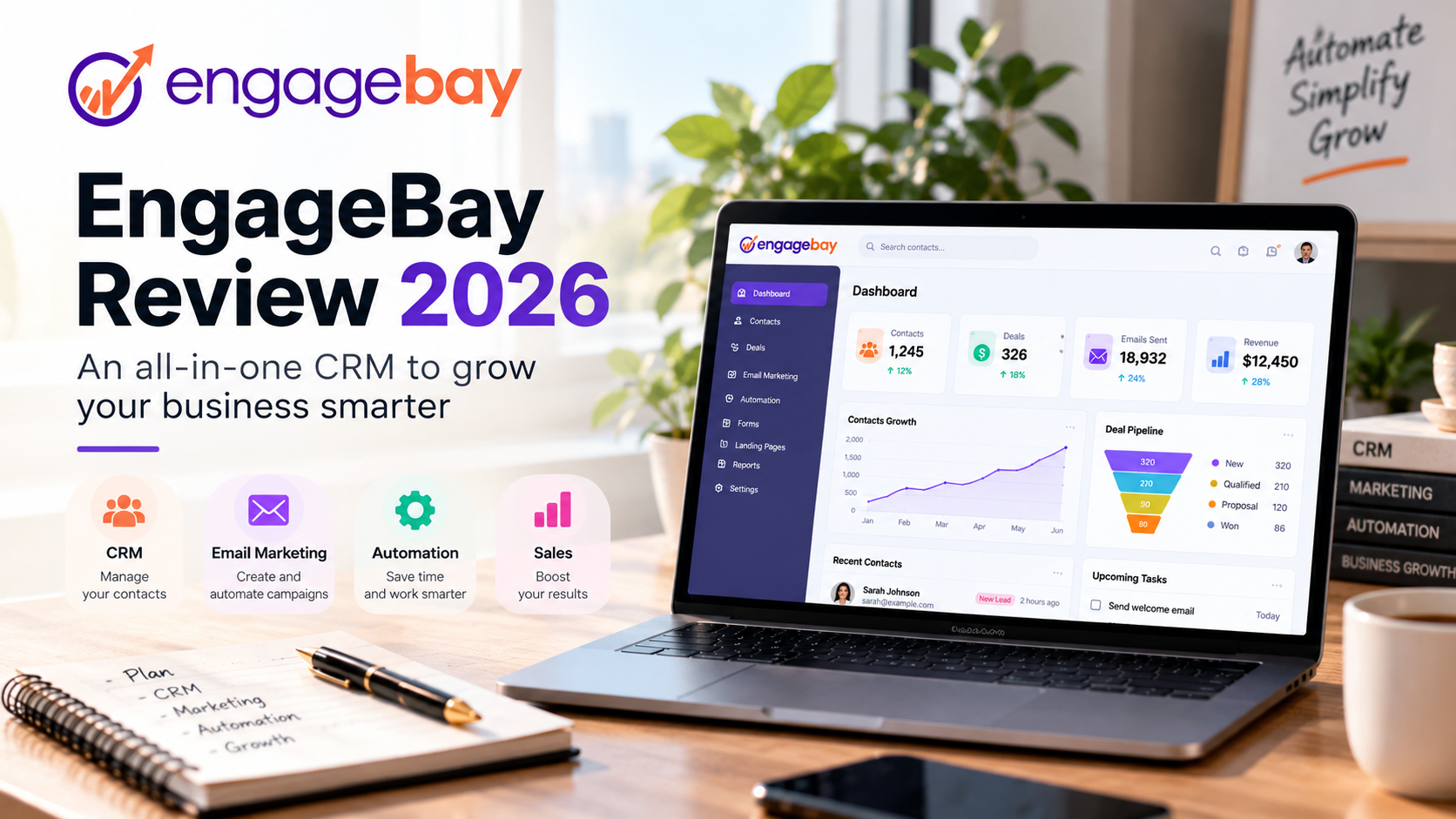
EngageBay is built around that problem. It brings a sales CRM, marketing automation, email marketing, landing pages, a helpdesk and live chat into one platform aimed at small and mid-sized businesses. In this EngageBay review, we look at what this all-in-one CRM actually offers, who it suits, and when you may be better off with something else.
How we prepared this review: our assessment is based on the product documentation EngageBay provides to its partners. We don’t quote prices or figures we couldn’t verify. Plans and pricing change, so always check the official page before you decide.
What Is EngageBay?
EngageBay describes itself as an AI-powered, all-in-one CRM platform. In practice, it bundles tools that many companies buy separately:
- Sales: a CRM to track contacts, deals and your pipeline.
- Marketing: email marketing, landing pages and forms.
- Automation: workflows that chain actions together without manual work.
- Support: a helpdesk with ticketing, plus live chat.
- AI: assistance for writing content and building workflows.
The pitch is straightforward. Instead of paying for several disconnected tools, a business runs its customer engagement from one platform, priced with smaller teams in mind.
| Best for | Small businesses, startups, agencies and small sales teams. |
|---|---|
| Look closely if you are | A large company with complex, enterprise-grade requirements. |
EngageBay’s Main Features
A feature list means little until you see what each piece does on a normal working day. Here are the six core modules, each with a practical example.
Sales CRM and Pipeline
The CRM sits at the center of the platform. It stores your contacts, keeps a record of conversations and lets you manage deals through a pipeline, stage by stage.
In practice: a three-person sales team gets quote requests through the website, by phone and by email. Without a CRM, everyone keeps their own list. With a shared pipeline, the whole team can see which deals are open, which are waiting on a reply and which have gone quiet.
Why it matters for a small business: fewer forgotten opportunities, and an owner who can answer “where do we stand this month?” without stitching three spreadsheets together.
Marketing Automation
Marketing automation triggers actions based on what a contact does: send an email, update a score, notify a sales rep. EngageBay lists workflows and lead scoring among its capabilities.
In practice: a visitor downloads a guide from your site. They get a first email, then a second one a few days later. If they click, their score goes up and a sales rep is alerted.
A simple journey could look like this. Treat it as an illustration, and check what your plan allows inside your own account.
- A new lead fills in a form.
- A contact record is created in the CRM.
- The lead is placed in a segment based on their need.
- An automated email goes out.
- A follow-up is sent if there is no reply.
- A sales rep takes over the conversation.
Why it matters for a small business: follow-ups no longer depend on someone remembering to send them. This is often where small teams save the most time.
Email Marketing
EngageBay includes broadcast emails, ready-made templates and A/B testing to compare two versions of a message.
In practice: an agency sends a monthly newsletter to clients and a welcome series to new subscribers. Because the contacts already live in the CRM, there is no exporting and re-importing lists between tools.
Why it matters for a small business: one contact database for sales and marketing means fewer duplicates and fewer targeting mistakes.
Landing Pages and Forms
You can build landing pages and lead capture forms inside the platform. The contacts they collect go straight into the CRM.
In practice: you launch a demo offer. You create a dedicated page and a form. Every sign-up becomes a contact record, ready to enter a follow-up workflow.
Why it matters for a small business: you don’t need a third-party connector between a page builder and your CRM. The path from page to sales rep gets shorter.
Helpdesk and Live Chat
On the support side, EngageBay offers a helpdesk with ticketing, a knowledge base and SLA tracking, along with live chat for real-time conversations with visitors.
In practice: a customer asks a question in chat. The conversation becomes a ticket, assigned to the right person. The sales rep who owns that account can see the exchange in the same platform.
Why it matters for a small business: support and sales stop working in silos. When an unhappy customer is also up for renewal, everyone knows.
AI-Powered Features
EngageBay highlights several AI features: help with writing content, assistance when building workflows, smart replies and predictive analytics.
In practice: getting a faster first draft of a follow-up email, or a suggested answer to a support question you have seen many times.
Why it matters for a small business: time saved on repetitive tasks. Keep a human in the loop, though. AI can suggest, but it doesn’t know your customers.
Why an All-in-One CRM Can Make Sense
Compare two ways of equipping a small company.
| Need | Multi-tool stack | EngageBay |
|---|---|---|
| CRM | One tool | Included |
| Email marketing | Another tool | Included |
| Automation | Another tool | Included |
| Landing pages | Another tool | Included |
| Live chat | Another tool | Included |
| Support | Another tool | Included |
On paper, a single platform brings four benefits:
- Fewer tools to manage: fewer subscriptions, fewer logins, less training.
- Fewer integrations: the modules already share the same data, with no connector to maintain.
- Centralized data: one record per contact, with its sales, marketing and support history.
- Potentially simpler administration: one vendor and one interface to learn.
A word of caution. An all-in-one platform does not automatically replace the best specialist tools. If your business depends on very advanced email marketing or support, a dedicated product may still go deeper in that one area. All-in-one is a choice for simplicity, not a claim to be the strongest at every single function.
Is EngageBay a Good HubSpot Alternative?
Many small teams ask exactly this. EngageBay positions itself as a more affordable alternative to CRMs built for larger enterprises.
EngageBay deserves a serious look if:
- you run a small business or a startup;
- your software budget is tight;
- you want an all-in-one solution rather than a patchwork of tools;
- your team wants less complexity, not more.
HubSpot may remain the better fit if:
- you have advanced, highly specific requirements;
- your company already runs on the HubSpot ecosystem and its habits are well established;
- you rely on complex integrations with other software;
- your organization is larger, with several teams and elaborate processes.
So this isn’t about naming a winner. The two platforms serve different situations. The useful question isn’t “which one is better?” but “which one fits my size, my budget and the way my team works?”
We are preparing a detailed EngageBay vs HubSpot comparison that will go through these criteria one by one.
EngageBay Pros
- An all-in-one platform. Sales, marketing and support together, on a shared contact database.
- Built for small businesses. The product and its pricing target small and mid-sized companies, not large accounts.
- Marketing automation included. Workflows are part of the platform, with no extra tool to plug in.
- Sales, marketing and support in one place. Every team sees the same customer history.
- Potentially easier to adopt than a scattered stack: one interface, one account.
- A free plan to get started. EngageBay states that it offers a free plan, which lets you try the platform before committing. Check what it includes on the official page.
EngageBay Limitations and Things to Consider
No software fits everyone. Before you choose, take the time to check these points.
- The all-in-one trade-off. Covering six areas in one platform involves choices. Each module will not necessarily go as deep as a product devoted entirely to that area.
- Specialist tools can go further. If one area is strategic for you, compare that specific module with a dedicated tool.
- The integrations you need. List the software you already use (billing, e-commerce, telephony) and confirm it can connect.
- Enterprise requirements. Granular permissions, complex approval processes, compliance obligations: check that the platform covers them if they apply to you.
- Total cost against real needs. Look at what you will pay for your number of users and contacts, not just the entry price. An affordable tool is still too expensive if you only use a small part of it.
- Migrating from your current CRM. Switching CRMs takes work: exporting data, cleaning it up, rebuilding automations. Use the move to tidy your database. If you are coming from HubSpot, our guide on how to prevent duplicate HubSpot contacts in Make covers a useful method before any export.
Our advice: start with the free plan, using one real use case and a small slice of your data, before moving the whole company.
Who Is EngageBay Best For?
| Profile | Verdict | Why |
|---|---|---|
| Small business | Highly relevant | This is the core audience: sales, marketing and support together without stacking subscriptions. |
| Startup | Relevant | Quick to set up, few technical resources required, and a free plan to begin with. |
| Agency | Relevant | Campaigns, leads and client communication managed in one place. |
| Small sales team | Relevant | A shared pipeline and automated follow-ups. |
| Large enterprise | Depends on your requirements | Check integrations, permissions and your organization’s specific demands first. |
Our EngageBay Verdict
EngageBay is not “the best CRM on the market”, and that is not the right thing to ask of it. Its real appeal is a combination: CRM, marketing, automation, email, sales and support, in one platform designed for smaller teams.
If you are juggling four or five tools today, your customer data is scattered and your budget is stretched, this approach makes sense. If you need maximum depth in one specific area, or a very large ecosystem of integrations, compare carefully before you switch.
To wrap up this EngageBay review: the platform is especially worth evaluating for small businesses, startups and agencies that want to simplify their SaaS stack. The safest route is to test it on a real use case, then decide.
EngageBay FAQ
Is EngageBay a CRM?
Yes. EngageBay includes a sales CRM with contact, deal and pipeline management. It adds marketing, automation and support modules on top, which is why it is described as all-in-one.
Does EngageBay offer marketing automation?
Yes. Marketing automation is one of the platform’s modules, with workflows, email campaigns and lead scoring. What you can do in detail depends on the plan you choose.
Is EngageBay good for small businesses?
That is its main audience. EngageBay is aimed at small and mid-sized businesses, startups and agencies that want to bring their customer-facing tools together.
Does EngageBay have a free plan?
EngageBay states that it offers a free plan. What it includes and where its limits are can change, so check the official plans page before you sign up.
Can EngageBay replace HubSpot?
For a small business looking for a more affordable all-in-one option, it is a credible alternative to consider. For a large organization with advanced needs, or one already heavily invested in the HubSpot ecosystem, the answer depends on the features and integrations it cannot do without.